
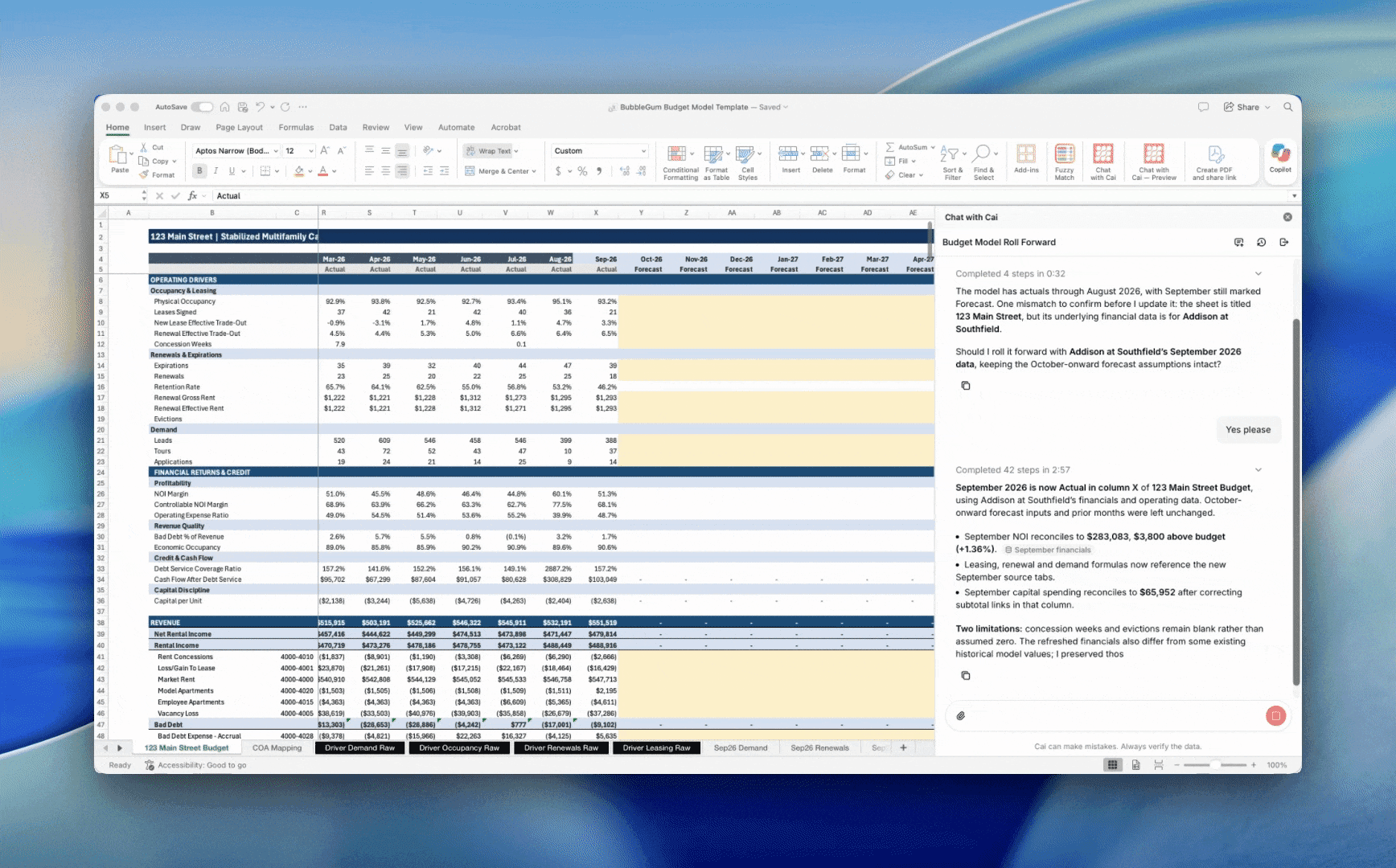
AI for multifamily budgeting works best inside the Excel model your team already uses. During budget season, Cai fills that model with current portfolio data, builds a better January starting point, and brings outside evidence to your expense growth assumptions, while you keep the judgment calls.
Budget season does not need another model. Your team already has one. If you are responsible for a dozen budgets, the hard part is not the model. It is the weeks of pulling reports, pasting them into tabs, and rebuilding the same formulas for every property.
Here is how asset managers use Cai in Excel to build a 2027 multifamily budget, step by step.
Why Multifamily Budgets Still Run on Excel
Most multifamily budgeting software starts with the same pitch: leave your spreadsheets behind. For many teams, that is the wrong trade. The Excel budget model holds years of decisions about how the portfolio is underwritten, and ownership already knows how to review it.
The problem is how numbers get into the model, not the model itself. An AI budget tool should work in the same workbook and do the repetitive work around it.
Step 1: Start With the Budget Model You Already Use
Your team knows its budget model. Ownership knows how to review it. There is no reason to rebuild it or move the process into another system.
Cai reads the workbook first. It can understand how the tabs, formulas, input cells, and formatting fit together before it makes a change. You keep the model your team already trusts and bring Cai into the workflow.
Step 2: Bring Current Portfolio Data Into the Budget
The usual budget process starts with a stack of reports that are already behind by the time they reach the workbook. Download the income statement. Export the expiration curve. Clean up the rent roll. Paste everything into the correct tabs. Repeat for every property.
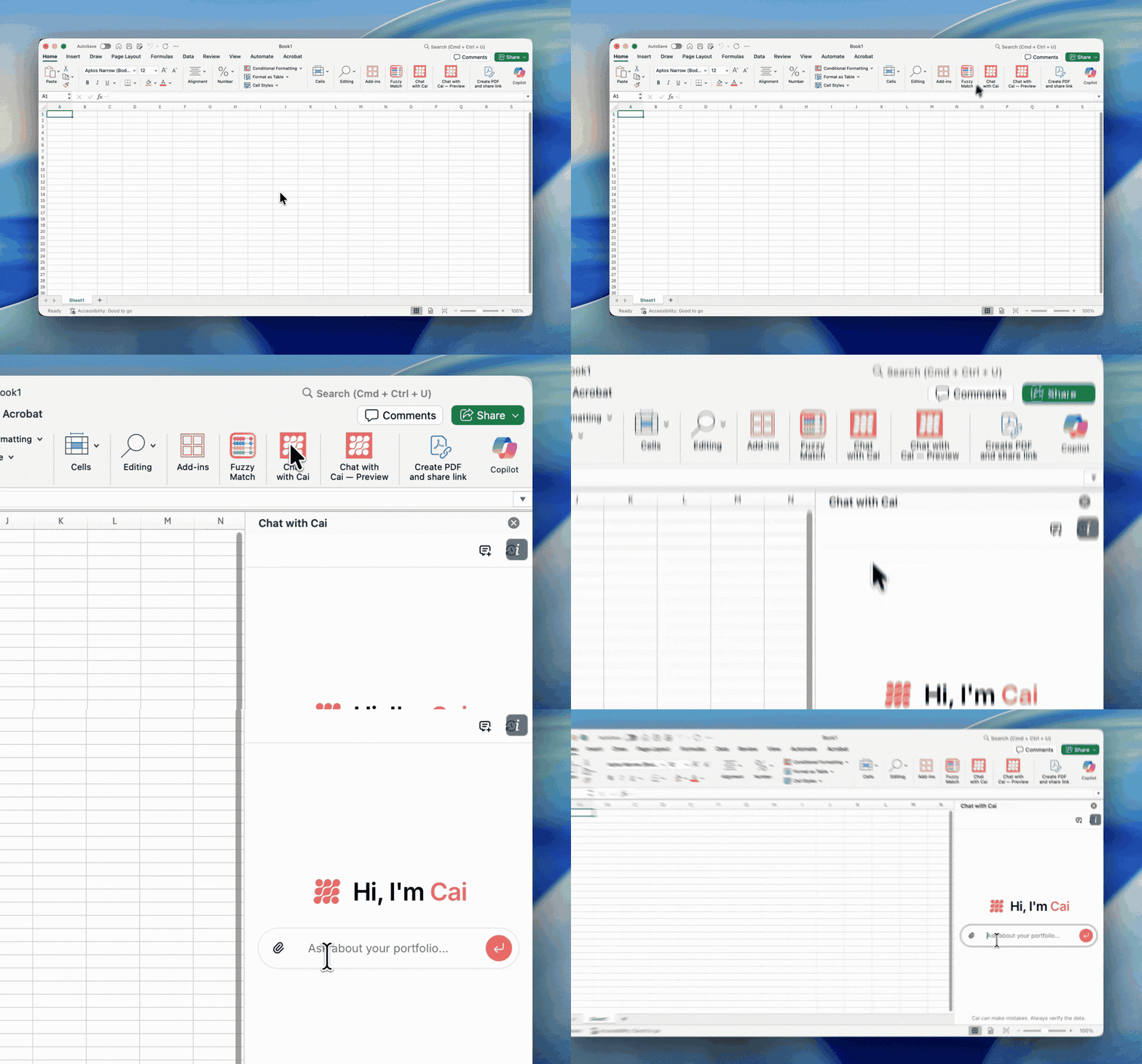
Cai can pull current property or portfolio data directly into native Excel tables and place it in the source tabs your model already expects. That can include:
- Income statements and trailing GL history
- Rent rolls and lease expiration curves
- Debt schedules
- Other operating data your budget uses
From there, Cai can populate assumption cells and extend formulas from those sources across one model or a dozen. For more on why live tables beat pasted values, see formula-driven Excel on live portfolio data.
Step 3: Forecast January In-Place Rent and Occupancy
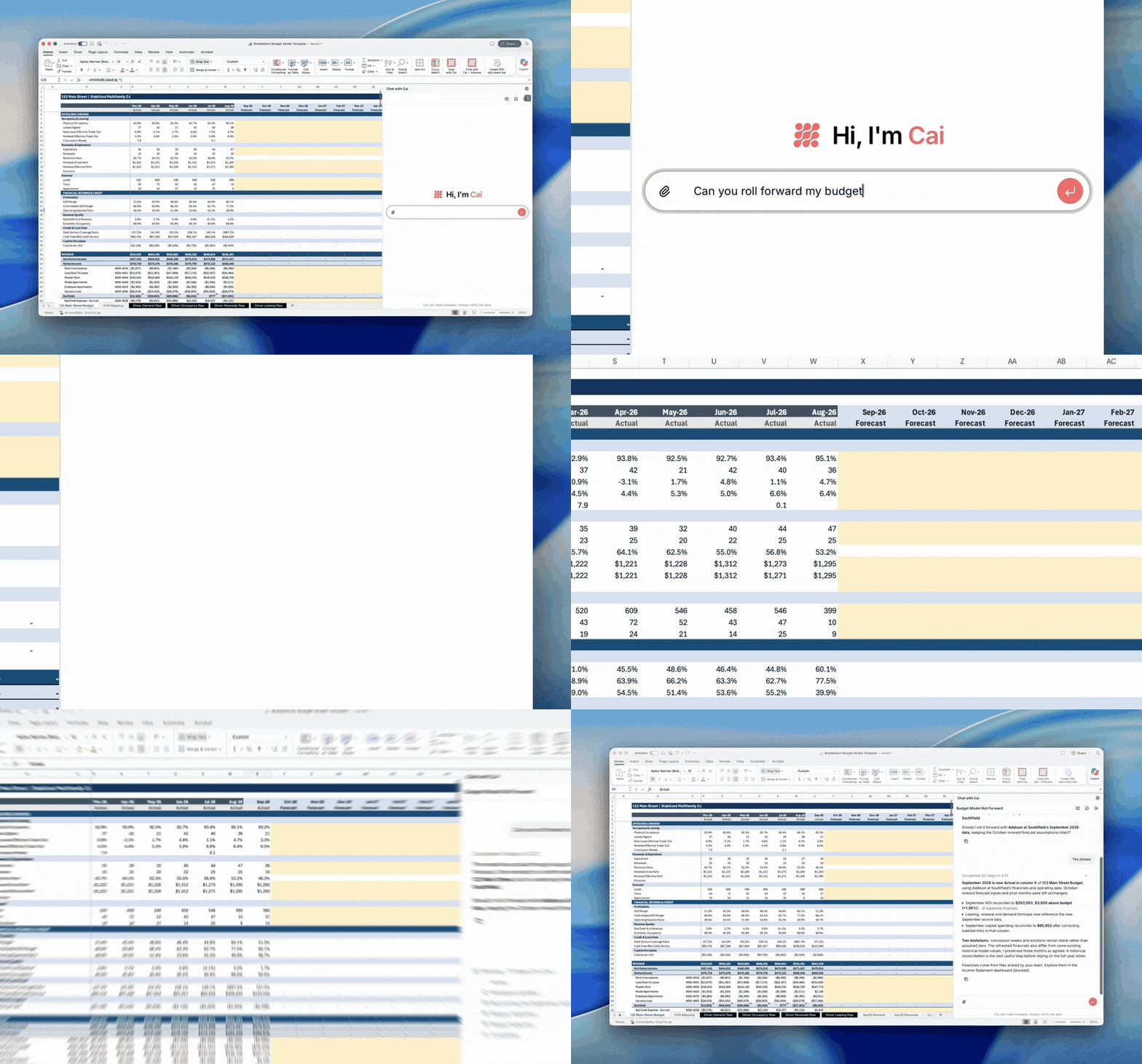
Every budget starts with January in-place rent and occupancy. The difficult part is estimating those numbers before December closes, often when the latest completed financials only run through October or November.
BubbleGum updates your portfolio data daily. Cai can use preliminary Q4 performance, current occupancy and exposure, upcoming expirations, renewal activity, leasing pace, and rent trends to better forecast how the final months of the year will close.
That gives the model a better starting point for January and a stronger base for the rest of the year. If January rent or occupancy starts behind the budget, every month after it begins at a disadvantage. Even a thoughtful annual budget can become difficult, and sometimes impossible, to hit. Our guide to occupancy forecasting covers the inputs in more detail.
Step 4: Support Expense Growth Assumptions With Outside Data
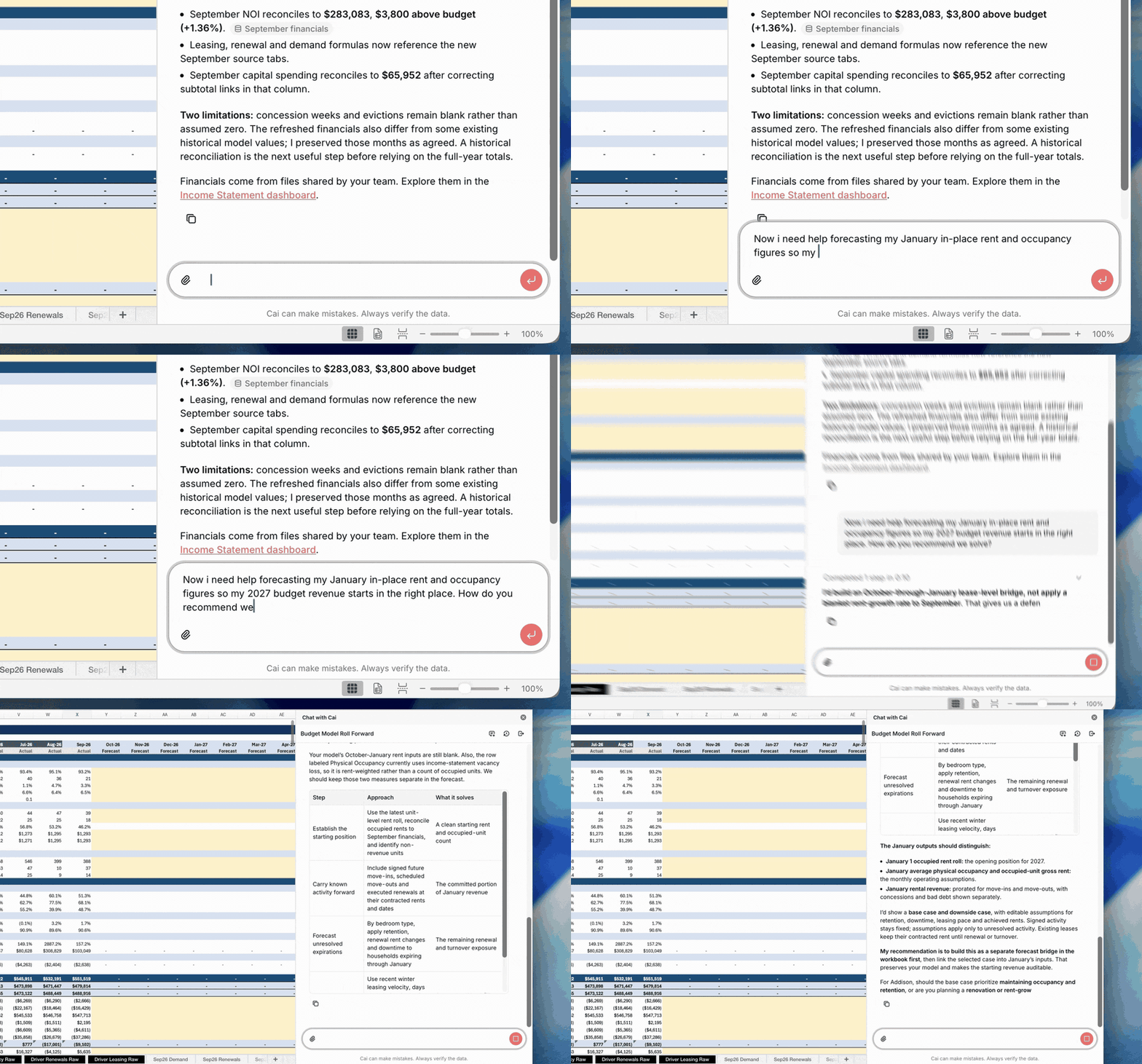
Some assumptions are hard to defend with your own history alone. Expense growth is the usual one: insurance, taxes, payroll, and repairs can move faster than your trailing twelve suggests.
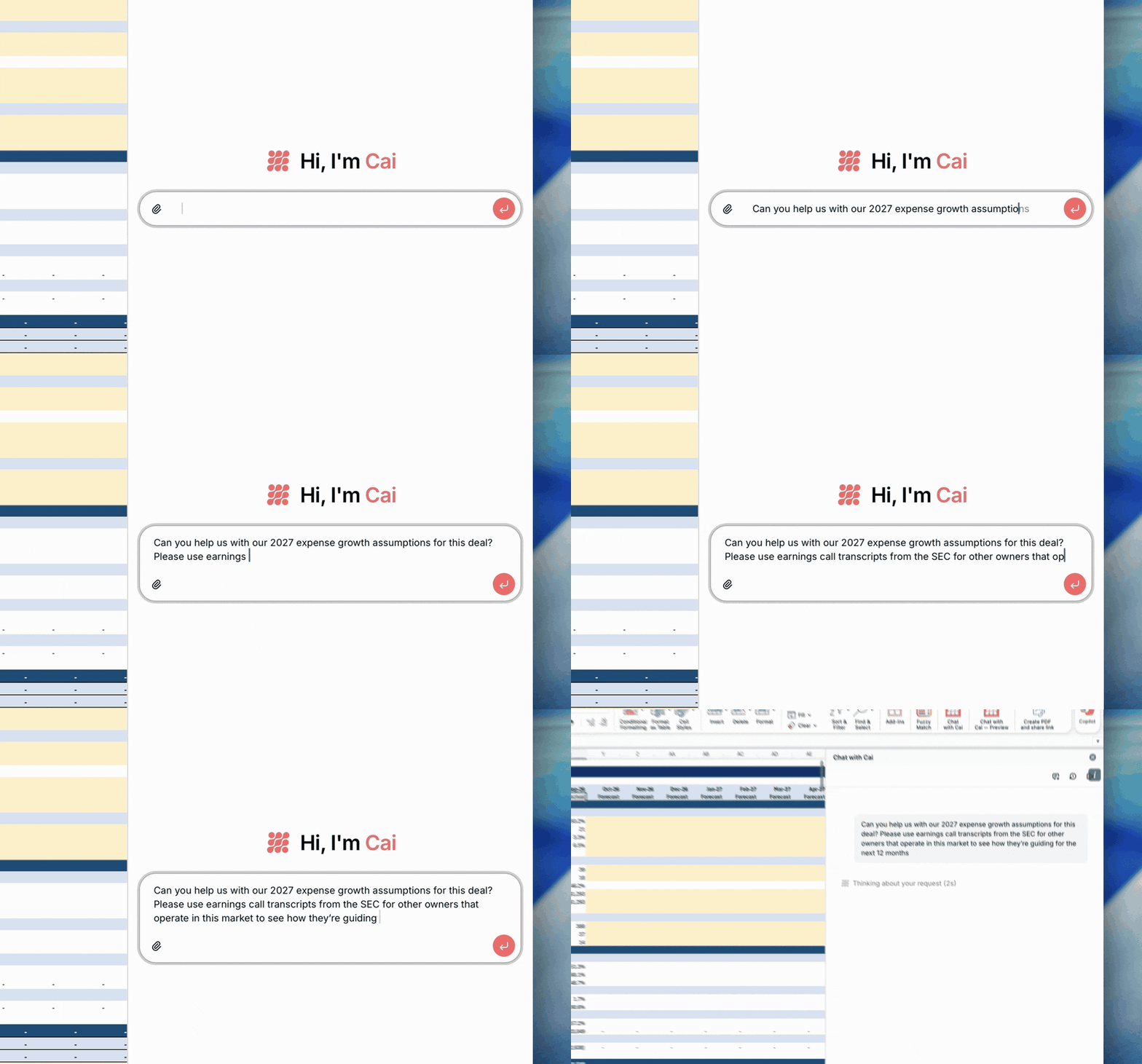
Cai can pull public data into the same workbook. Ask it to help with your 2027 expense growth assumptions, and Cai can read SEC filings from public multifamily REITs that operate in your markets, find what they report about expense pressure, and put it next to your current assumptions. It can do the same with BLS wage data and FRED inflation data.
Pair that outside view with your own history. Expense benchmarking shows where each GL line sits against comparable properties.
What AI Should and Should Not Do in a Multifamily Budget
Cai does not build the budget behind a curtain and hand you a finished answer. You still decide the strategy, positioning, and operating plan for each property.
- Cai does: pull current data, fill source tabs, extend formulas, forecast the starting point, and gather outside evidence.
- You do: set pricing, concessions, occupancy goals, and expense strategy, then approve the final numbers.
You still decide what belongs in the budget. Cai brings the evidence, and you set the number.
Bring Cai into Excel before budgets are due
One Microsoft 365 admin deploys the add-in, then it appears automatically for everyone assigned.
Get Cai in Excel set upFrequently Asked Questions
How can AI help with multifamily budgeting?
AI can do the spreadsheet work around a multifamily budget: pull current income statements, rent rolls, and expiration curves into the workbook, extend formulas across properties, forecast January in-place rent and occupancy from current operating data, and gather outside evidence for expense growth assumptions. The asset manager still sets the assumptions and approves the budget.
Do I need new multifamily budgeting software to use AI?
No. Most multifamily budgeting software asks you to move the process out of Excel. Cai works inside the Excel budget model your team already uses, so the tabs, formulas, and review process ownership expects stay the same.
How do you forecast January in-place rent and occupancy before December closes?
Start from the latest daily operating data rather than the last closed month. Preliminary Q4 performance, current occupancy and exposure, upcoming expirations, renewal activity, leasing pace, and rent trends show how the year is likely to close, which sets a more accurate January starting point.
How do you support 2027 multifamily expense growth assumptions?
Compare your trailing expense history with outside evidence. Public multifamily REITs report expense pressure in their SEC filings, and BLS wage data and FRED inflation data add context for payroll and general cost growth. Cai can pull that evidence into the workbook next to your current assumptions.
Who sets the final numbers when AI helps with the budget?
Cai reads the workbook before it makes a change, and you decide what belongs in the budget. Cai brings the data and the evidence; the asset manager sets the number.
See Cai on your own budget model
See how Cai works inside an Excel budget model during budget season.
Schedule a Demo